Free
For a small move, with every safety feature included
₹0forever · up to 11 GB
- Up to 11 GB per migration
- Encrypted, direct transfer
- Every file verified
- Migration report




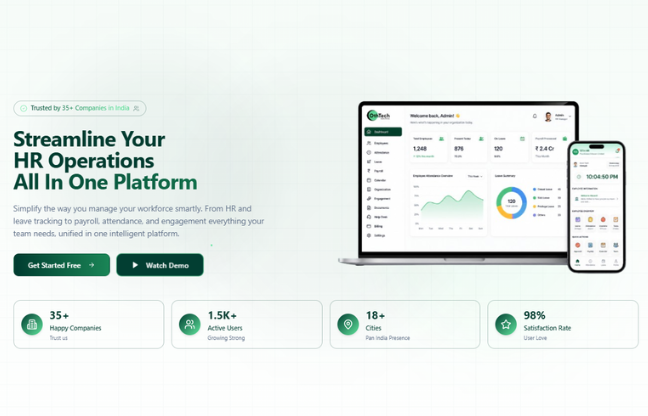
Complete Human Resource Management System for efficient workforce management.
Explore More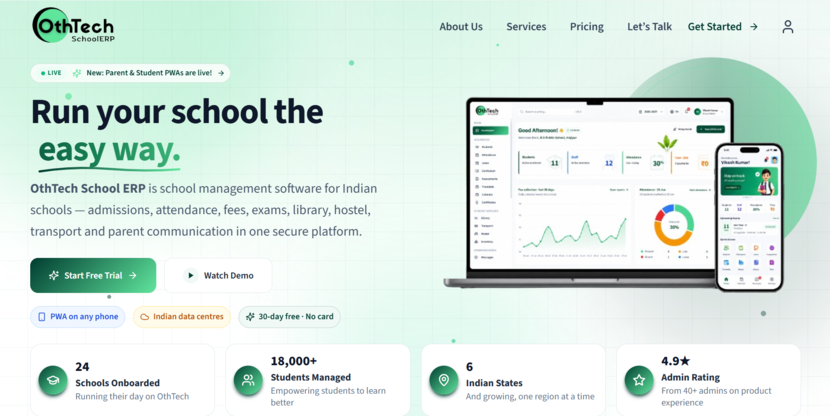
Admissions, attendance, fees and exams — one secure platform for modern schools.
Explore More
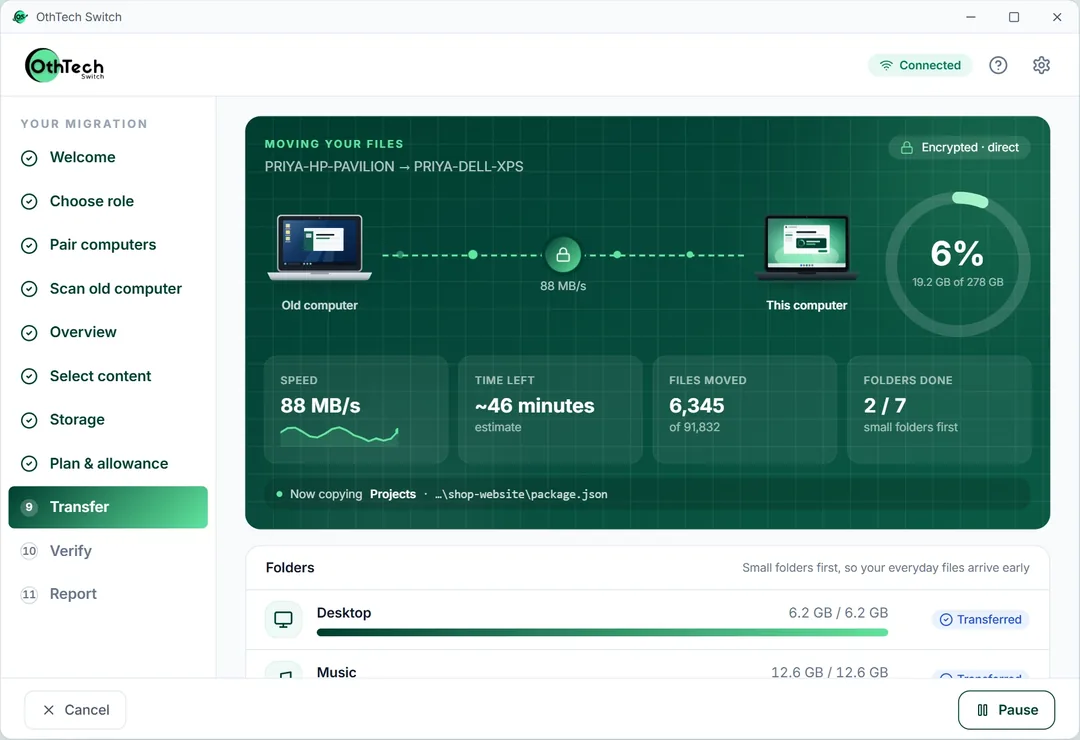
Move To Your New PC The Safe Way
OthTech Switch moves your files from your old Windows computer to your new one — directly, encrypted, and with every file checked when it lands.
Windows app available · OthSync phone app coming soon
Your files go computer to computer on your own network. They never touch our servers - no cloud account, no upload limit, no waiting on your internet speed.
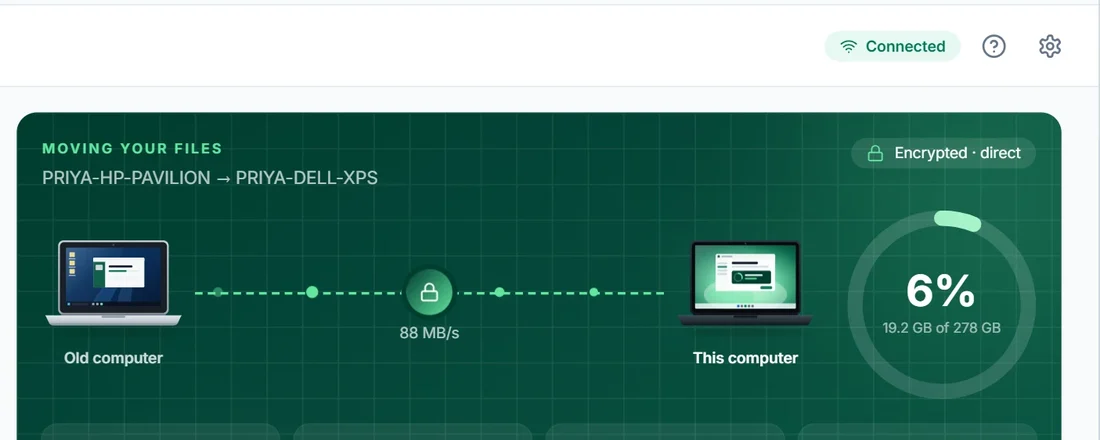
A private, authenticated connection that only your two computers share, opened with a single-use pairing code that you approve on both sides.
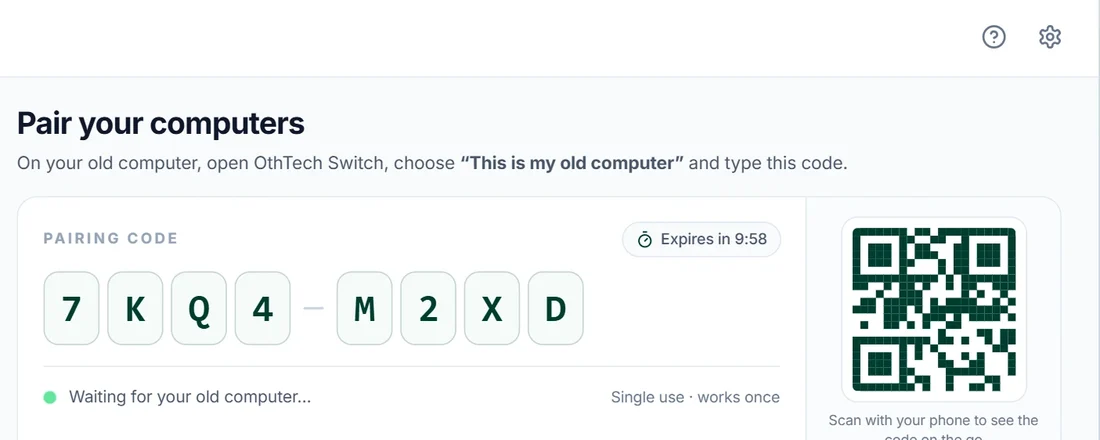
Every file is fingerprinted before it leaves and again after it lands. Only matches are marked Verified, and anything that needs you is listed in the report.
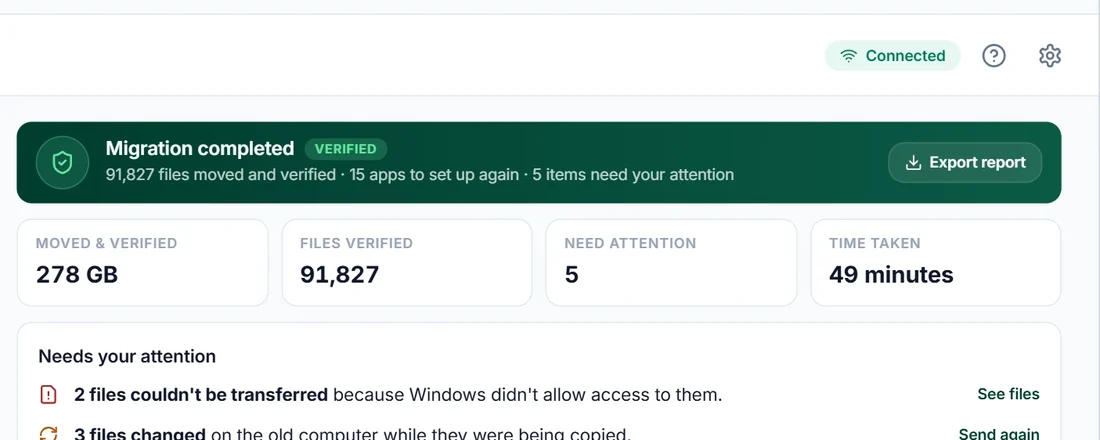
Install on both computers, pick which is old and which is new, and Switch walks you through the rest - with nothing changed on your old PC.
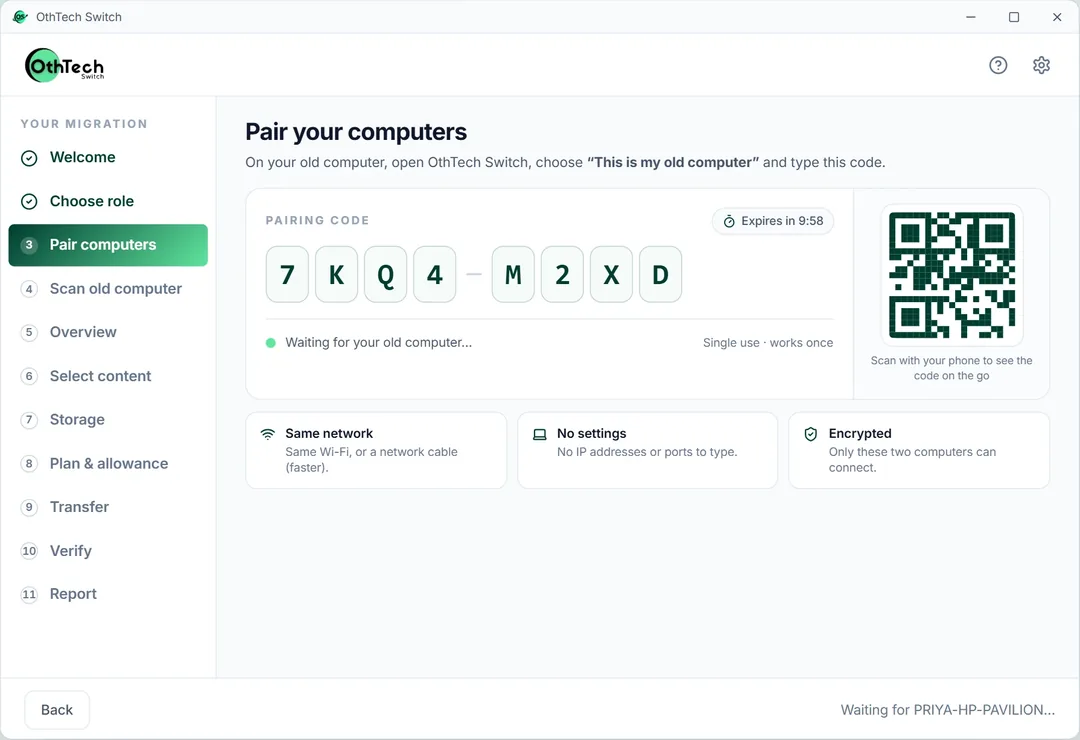
Step OnePair with a one-time code
Your new computer shows a short code. Type it on your old computer, then confirm on the new one. Same Wi-Fi or a network cable - no IP addresses to type.
Step TwoScan the old computer
We look through Documents, Pictures, Videos, Music, Desktop and Downloads, list your installed apps, and flag anything that will not be copied.
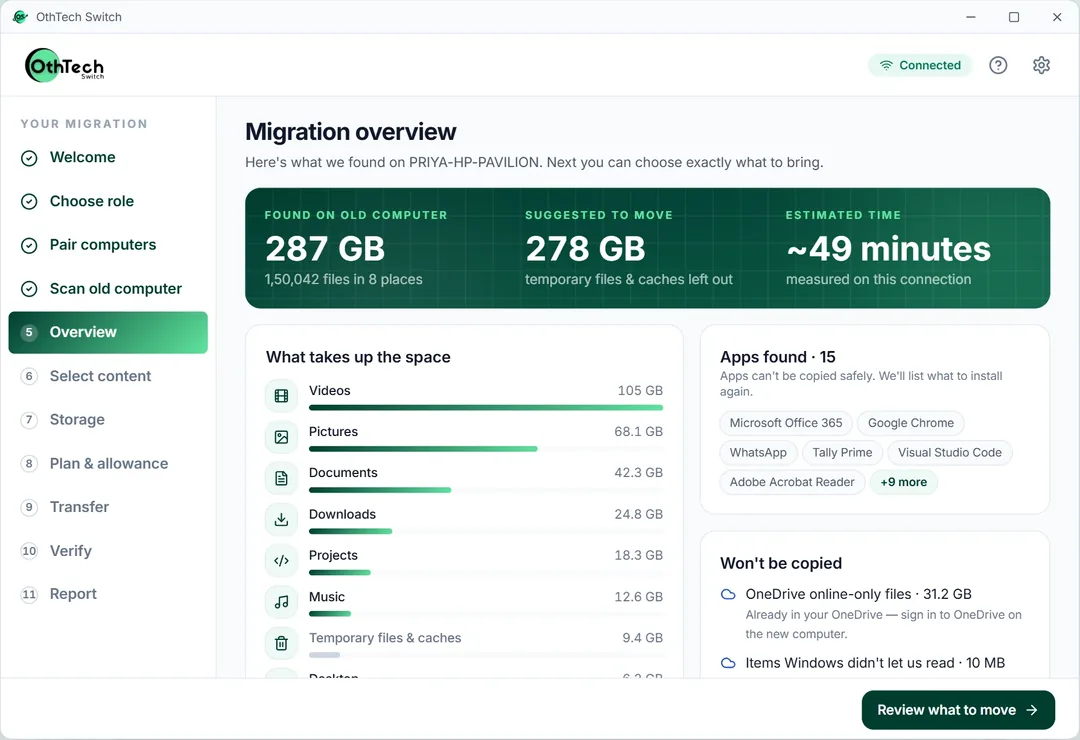
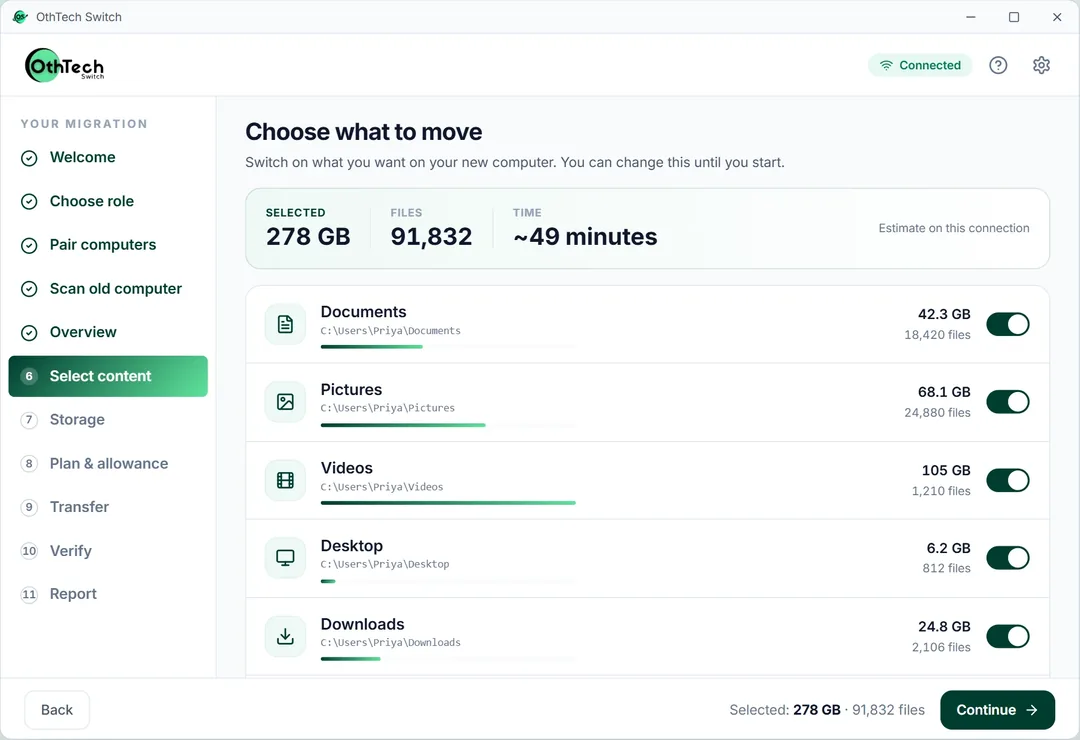
Step ThreeChoose what to bring
Every folder with its size and file count, plus a time estimate. Add other folders or leave things out - large and temporary files are highlighted.
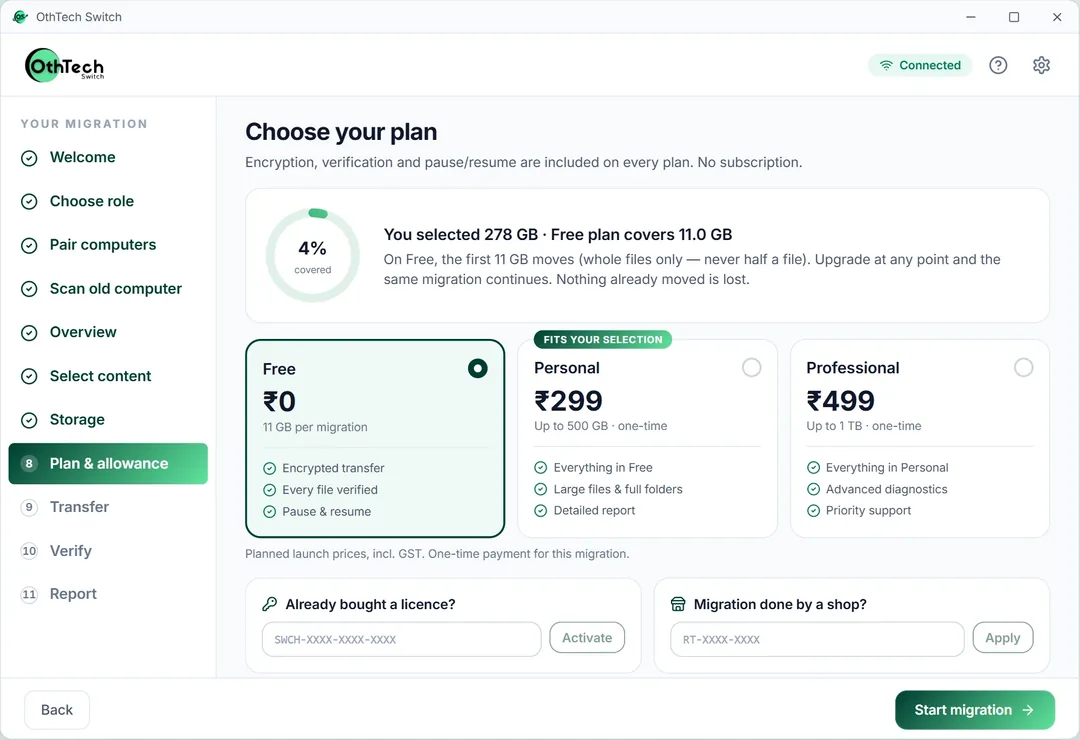
Step FourCheck space and plan
We compare what you selected with the free space on your new computer, recommend where things should go, and show your allowance before anything moves.
Step FiveMove and verify
Files travel straight between the two computers, small folders first so everyday files arrive early. Each one is fingerprinted as it is read and again after it is written.
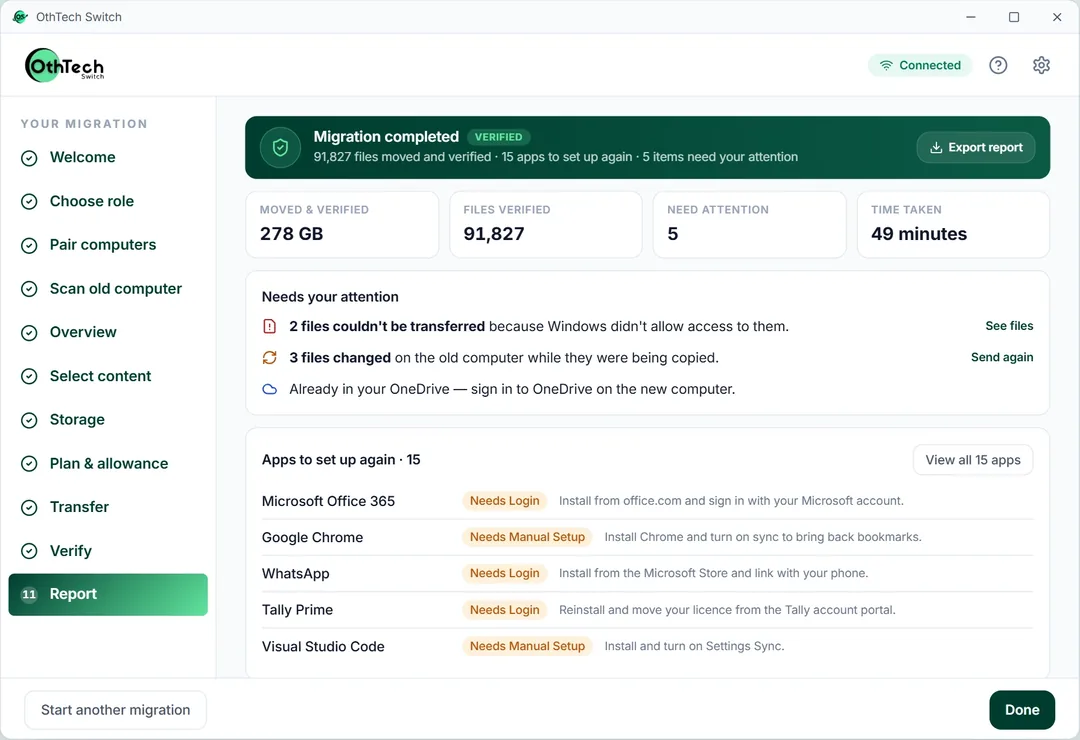
Step SixRead your report
What moved, what was verified, and anything that needs your attention - with a list of apps to set up again. Save it as HTML or CSV, or print it to PDF.
One-time prices in Indian rupees, with no subscription. One licence covers one migration and can be resumed or retried for 30 days. Safety features are never behind a paywall.
For a small move, with every safety feature included
₹0forever · up to 11 GB
For most home and work PCs
₹299one-time · up to 500 GB
For creators and power users with big drives
₹499one-time · up to 1 TB
For companies and PC retailers moving many machines
From ₹299per device
OthTech Switch is PC-to-PC migration software for Windows 10 and Windows 11. Install it on both computers, pair them with a one-time code, and it moves your documents, photos, videos, music, desktop and downloads straight from the old PC to the new one over your own Wi-Fi or a network cable.
Your files are never uploaded to us. The connection between the two computers is encrypted, every file is fingerprinted before it leaves and checked again when it lands, and the old PC is left exactly as it was. At the end you get a report of what moved, what was verified and which apps you need to install again.
The Windows app is available to download now. Moves of up to 11 GB are free, and bigger moves are a one-time payment, not a subscription.
Files go computer to computer on your network, so speed doesn't depend on your internet plan and nothing sits on someone else's server.
A file is only marked Verified when its fingerprint on the new PC matches the original. Anything that needs your attention is listed.
Switch compares what you've selected with the free space on the new PC, so you don't run out halfway through.
See every folder with its size and file count, leave out what you don't need, and get a time estimate as you choose.
Stop a transfer and pick it up later. Folder structure and file dates are kept as they were.
Save the migration report as HTML or CSV, or print it to PDF, with a list of installed apps to set up again on the new PC.
Switch runs on your own computers, so it works wherever you are, in India or anywhere else, with no dependence on internet speed. Prices are in Indian rupees. For moving files between a PC and a phone, OthSync, the companion mobile app from the same team, is coming soon.
Download Switch on both computers and start with a free move of up to 11 GB.